
Skip to content
Feature

Auto Responder (BOT)

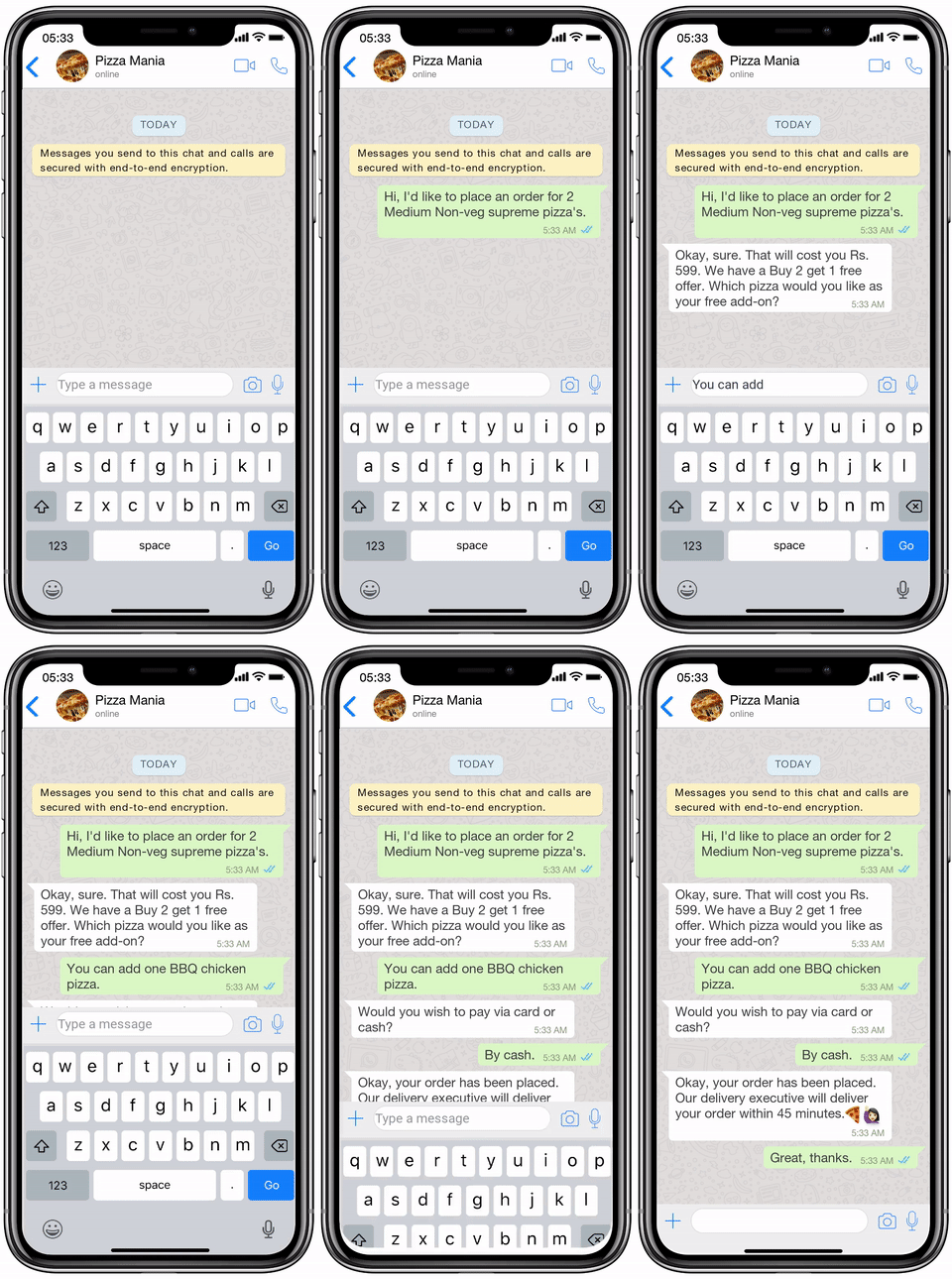
If you are looking for how to set auto-reply in WhatsApp business and WhatsApp auto-reply message sample, you are at the right place. In this post, we’ll help you understand the nitty-gritty of WhatsApp Chatbots. To start off with, let’s talk about how auto-response for WhatsApp works.

Auto Responder (BOT)
Why do you need the WhatsApp auto-reply feature? It is obvious that auto-reply is an essential feature for every kind of business. But why? Let us elaborate. Instant messaging, in its essence, is meant to be immediate at all times. WhatsApp as a platform has more than 2 billion users available and active at varied times. Businesses move to WhatsApp to take advantage of this very fact, but unfortunately, this isn't always possible due to reasons like limited working hours and a shortage of human resources. This is where WhatsApp Auto-replies come in. With auto-replies, you can always be available to greet and respond to customers even outside your working hours. This allows you to: Be available to your customers 24/7 Make a strong impression on new customers by greeting them with a customised welcome message. Inform your customers about your available hours and set a response time expectation. Collect customer data using a pre-chat survey quiz or through AI automated conversations This increases customer satisfaction and gives your business an upper hand against competitors. WhatsApp auto replies make life much easier for all growing businesses.
Plans

Start on a trial. Upgrade when the inbox gets busy.

You pay for numbers, volume, and seats—not another chatbot experiment.

Monthly Yearly

Starter

2,000 EGP /month

Prove the workflow on one WhatsApp number.

What's Included:

  • Messages limit (1000)
  • Contact limit (100)
  • Device limit (3)
  • Template limit (20)
  • Apps limit (10)
  • Chatbot

Enterprise

1,000 EGP /month

Higher volume, more devices, and tighter admin control.

What's Included:

  • Messages limit (unlimited)
  • Contact limit (unlimited)
  • Device limit (unlimited)
  • Template limit (unlimited)
  • Apps limit (unlimited)
  • Chatbot
  • Bulk message
  • Schedule message
  • Access chat list
  • Access group list

All plans come with a free trial. Cancel anytime Compare plans

Put the agent on a live number this week.

The trial is enough to connect WhatsApp, train on your files, and send the first automated reply.